From having a website to making it useful.
CBOUND develops focused public tools around small but important digital problems: proving who controls a business record, checking whether a website can be interpreted, seeing what a first-time visitor understands, and helping a professional profile point toward real opportunities.
Each tool has one job.
The sites are connected, but they are not copies of one another. Each focuses on a different point where a public digital presence can become incomplete, confusing or difficult to act on.
You do not have to use every tool. Start with the question you need answered.
Directories.mu
Is the business record present, and has the owner verified it?
CBOUND
Can public systems access and interpret the website you control?
Seed.mu
Can a first-time visitor understand, trust and act?
JobPost.mu
Does a professional profile clearly support the direction being pursued?
Establish the public record.
Directories.mu is an independent reference index of businesses, organisations and websites observed across the Mauritius web. A listing can exist because the domain was observed; verification records that an owner or authorised representative has stepped forward.
Observed is not the same as owner verified. An observed record helps make a domain discoverable. A verified record adds a clearer ownership state.
Directories.mu is not an official company register, and inclusion does not replace any legal or regulatory registration.
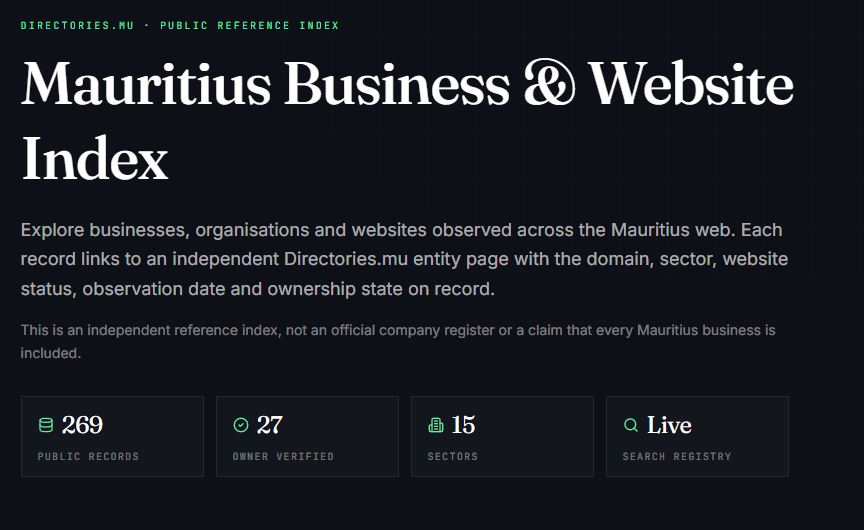
Search the registry.
Begin with the business name or domain. Open the independent entity page and check the recorded domain, sector, website status, observation date and ownership state.
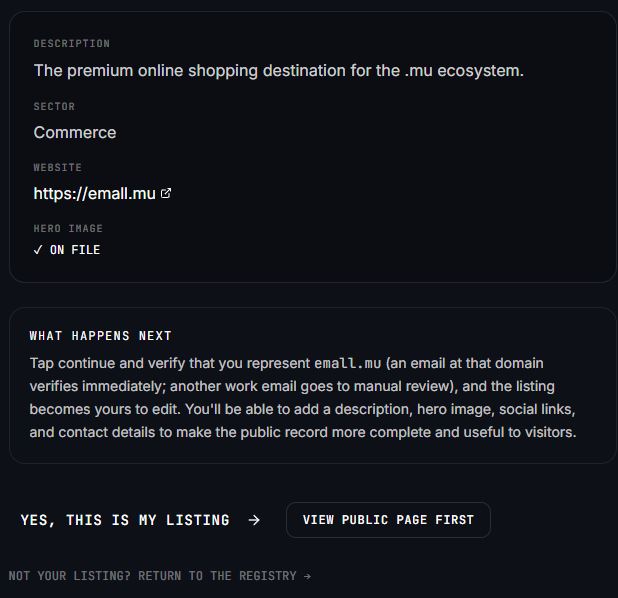
Review before claiming.
Confirm that the listing actually represents your business. The review screen explains what can be added after verification, including a description, hero image, social links and contact details.
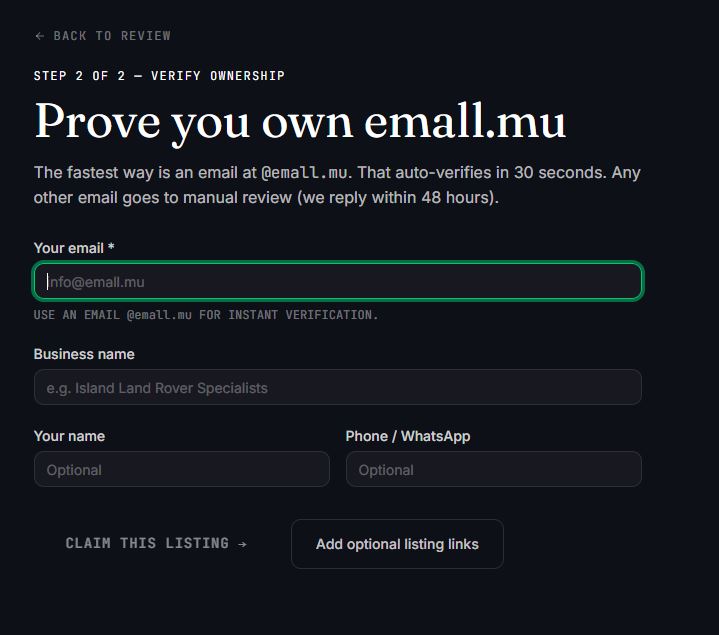
Use a matching domain email when possible.
An email address at the listed domain provides the clearest automated ownership signal. Enter the remaining business and contact information, then submit the claim.
Use manual review when needed.
Not every owner has an inbox at the domain. A different work email can still be submitted, but the claim moves to manual review. Add a short note or supporting links that help establish the relationship.
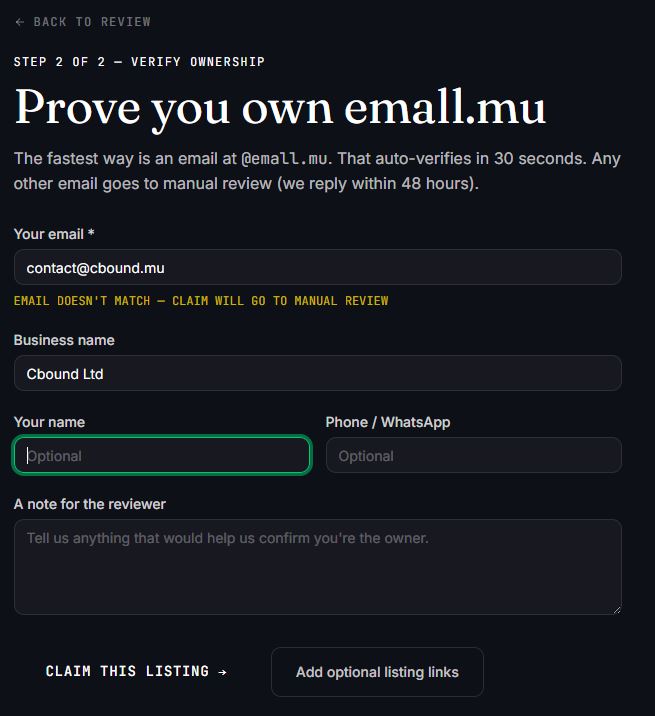
Wait for the ownership state to update.
After submission, matching-domain claims can complete quickly while other claims are reviewed manually. Once approved, the owner can make the public record more complete and useful.
Diagnose the website you control.
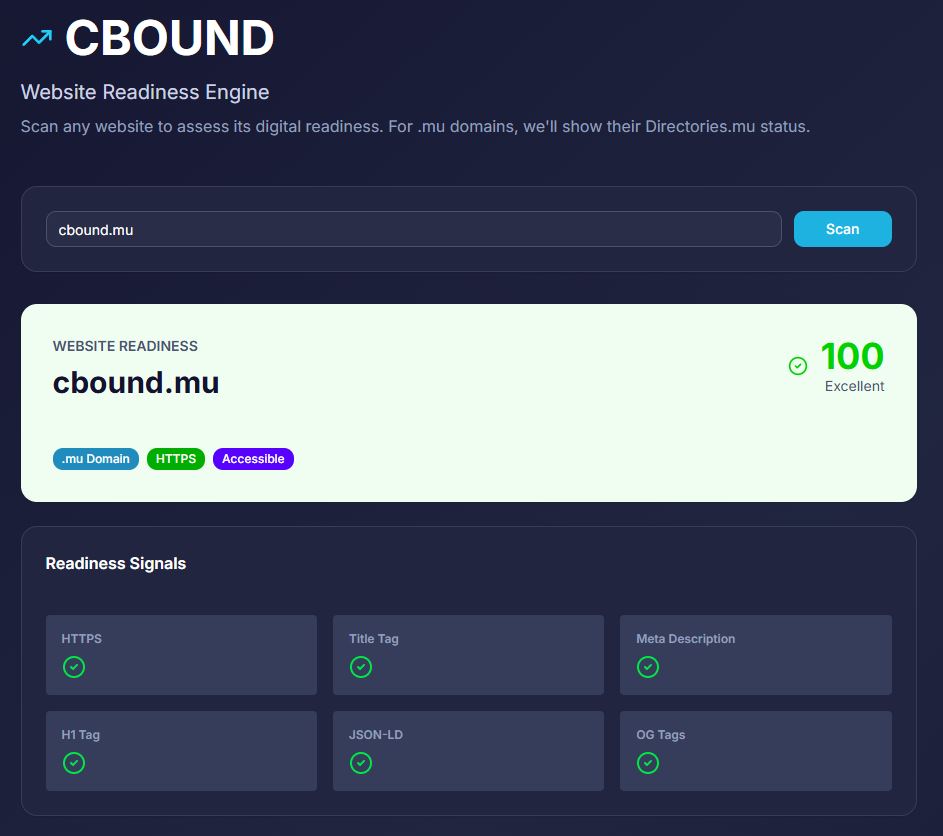
The CBOUND Website Readiness Engine examines whether a public website provides accessible and coherent signals that machines can interpret. It focuses on the website itself: the part a business can inspect and improve.
A diagnosis is not a prediction. The scan does not promise search rankings, AI citations, sales or enquiries.
It identifies practical website signals such as secure access, titles, headings, descriptions, structured data and social presentation.
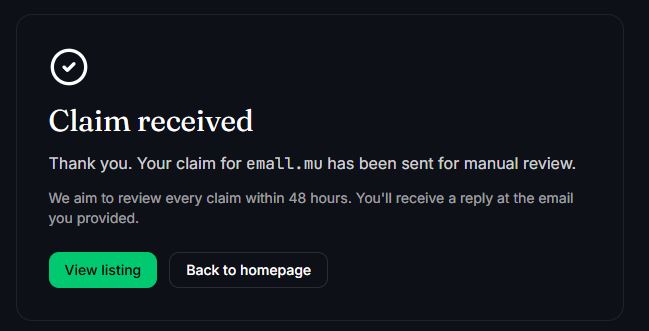
Enter the public domain.
Use the main website address rather than a social profile or private dashboard. CBOUND retrieves the public page and examines the signals available to visitors and machines.
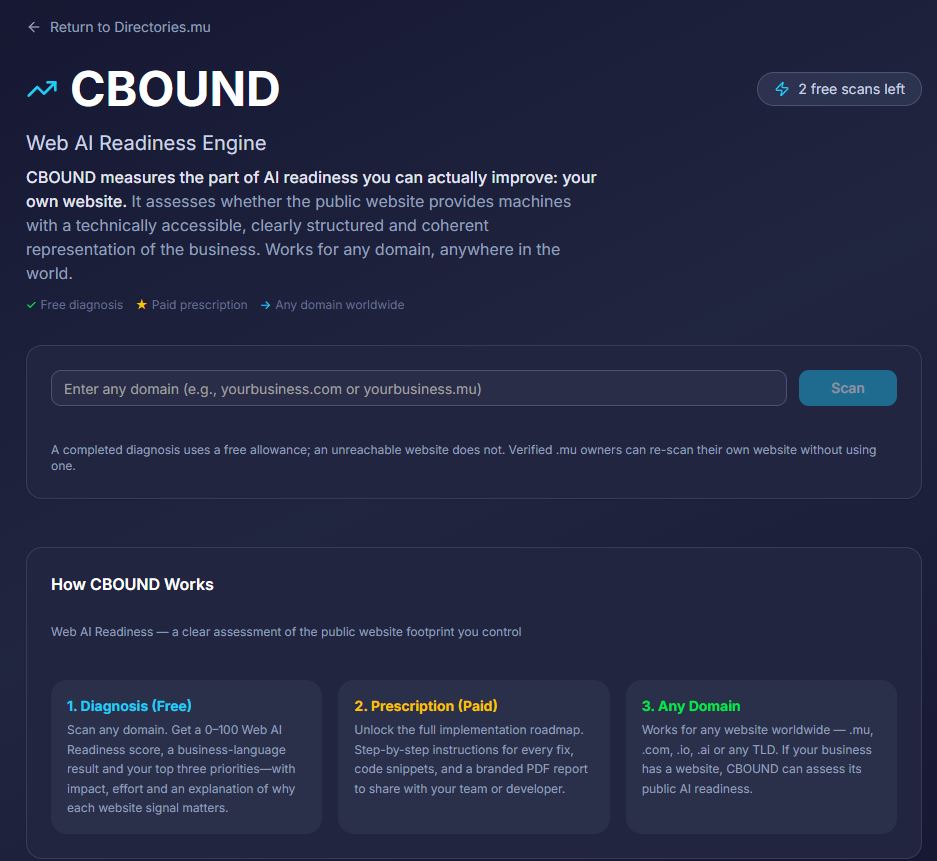
Read the signals, not only the score.
The useful part of the result is the evidence beneath the number. Missing main headings or structured data become specific actions that can be checked by the website owner or developer.
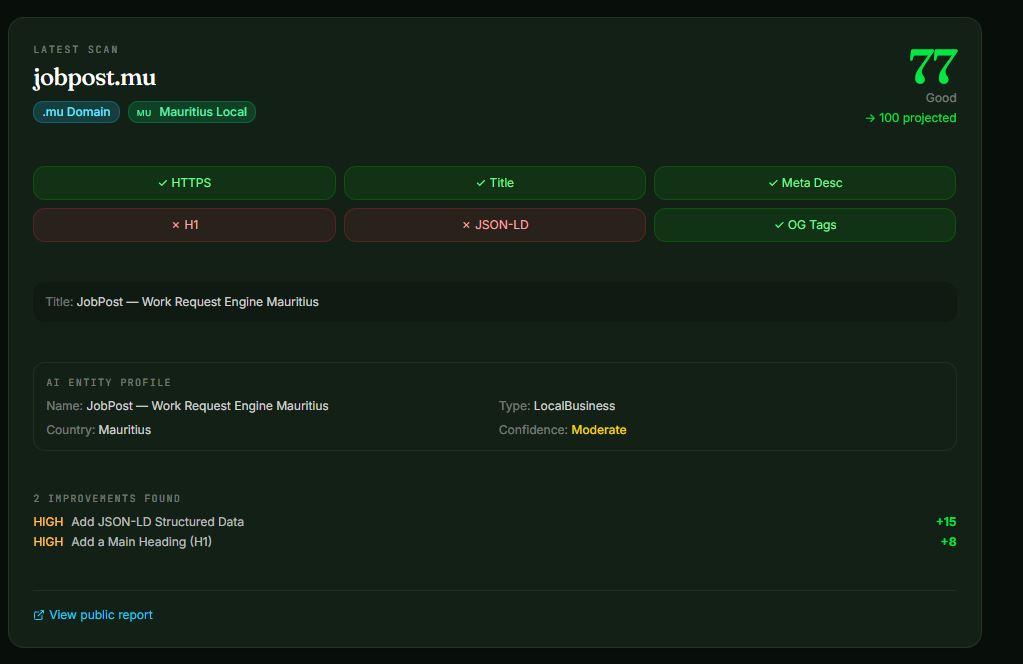
Correct, publish and rescan.
Work through the missing signals, publish the changes, and run the diagnosis again. A strong result confirms that the tested foundations are present at that moment.
Check what a person understands.
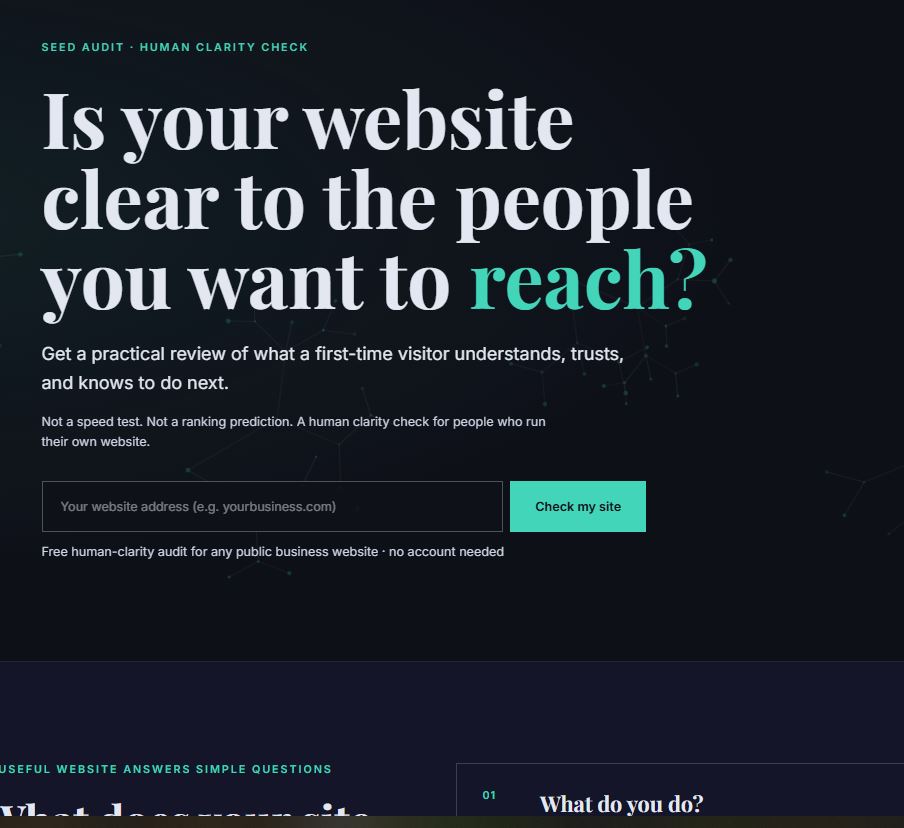
A technically complete website can still leave a visitor unsure about what the business does, whether it can be trusted or what to do next. Seed examines that human clarity layer from the perspective of someone arriving for the first time.
Seed is not a speed test or ranking prediction. It is a practical review of the message, offer, proof, content and next action presented by a public business website.
The result should begin a human review—not replace one.
Check the website as a stranger would see it.
Enter the public website and examine the resulting clarity prompts. Set aside what you already know about the business and focus on what the page itself communicates.
Test the result with human observation.
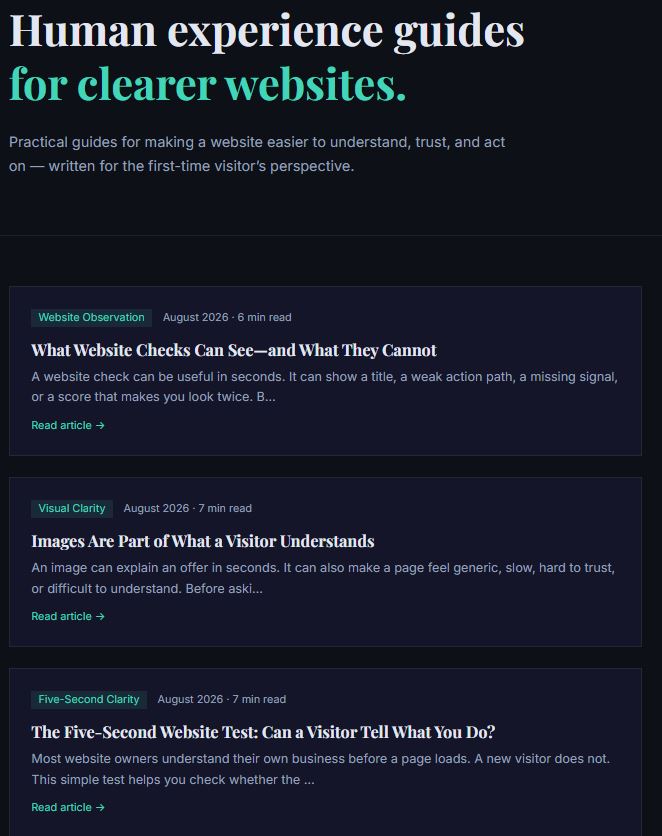
Use the Seed guides to understand what a website check can detect and where human judgement must take over. Then perform the five-second test with someone who does not already know the business.
Understand where an automated check is useful and where its conclusions must stop.
Read the guide →Run a simple human test to see whether the main purpose survives a first quick visit.
Run the test →Use the check to find a question worth investigating. Then improve the actual visitor experience and confirm the change with real observation.
Turn public identity into direction.
JobPost begins with professional information a person chooses to control. It helps clarify the public profile, identify a profile-to-role gap and use public vacancies to build a private opportunity map.
Profile guidance is not a hiring prediction. JobPost does not claim that a score guarantees employment or that every similar public profile belongs to the same person.
Saved roles, application status and personal notes remain private.
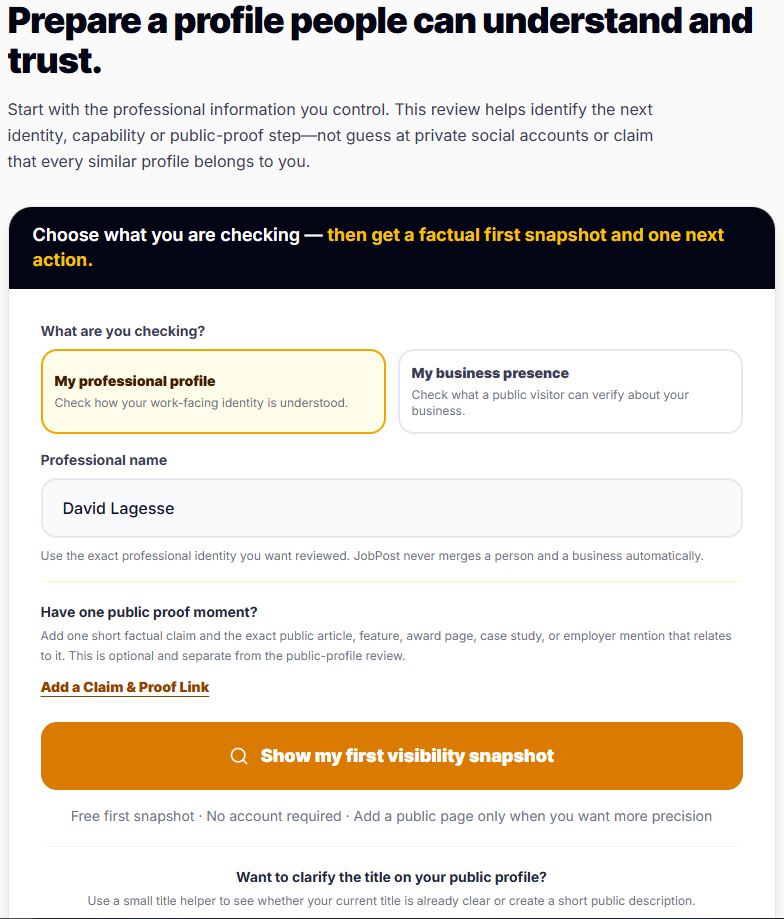
Prepare a factual first snapshot.
Choose between a professional profile and a business presence. Enter the exact public identity you want reviewed and add a public proof link only when it genuinely relates to that identity.
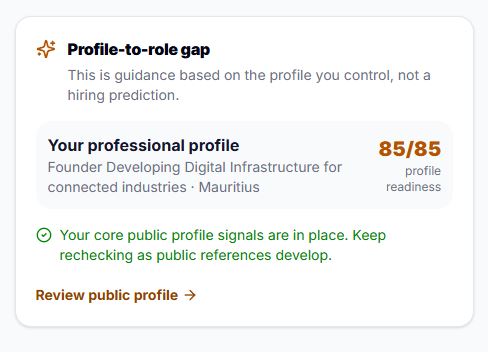
Review the profile-to-role gap.
Read the profile result alongside the intended professional direction. When the core public signals are present, keep the profile current and recheck as new evidence or references develop.
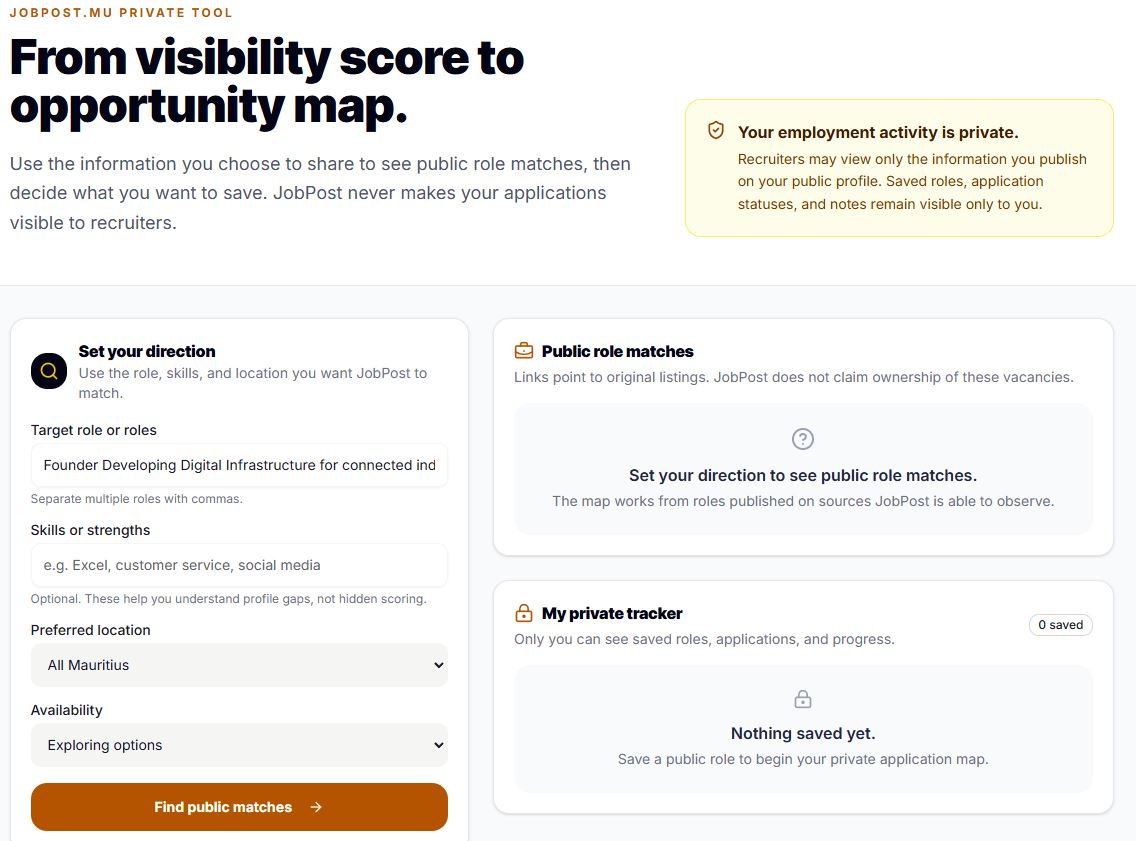
Set a direction and map opportunities.
Add the target role, useful strengths, preferred location and availability. JobPost can then point to relevant public listings while the user decides what to save and pursue.
Better visibility begins with clearer public evidence.
No single tool can create trust, discovery or opportunity by itself. Together, these focused checks help a business or professional see which part of the public journey needs attention next.
Begin with the gap you can see.
If the business record is incomplete, begin with Directories.mu. If the website foundations are uncertain, run CBOUND. If the page feels difficult to understand, use Seed. If the question is professional direction, begin with JobPost.